PRODUCT PHOTOS. READY-TO-POST VIDEOS.
Turn product photos into social videos
Upload your product images, add your offer, and create a ready-to-post video for TikTok, Instagram, Facebook and more.
No store or social account connection required. Download your MP4 and post anywhere.
- 01
Upload
Choose 1–8 product photos.
- 02
Customize
Add your offer and choose a template.
- 03
Export
Adjust scenes and download your MP4.
- 04
Post anywhere
Share it manually on your social accounts.
From photos to a product video
See source images, a generated example, and the scene controls you can use.
1. Source photos
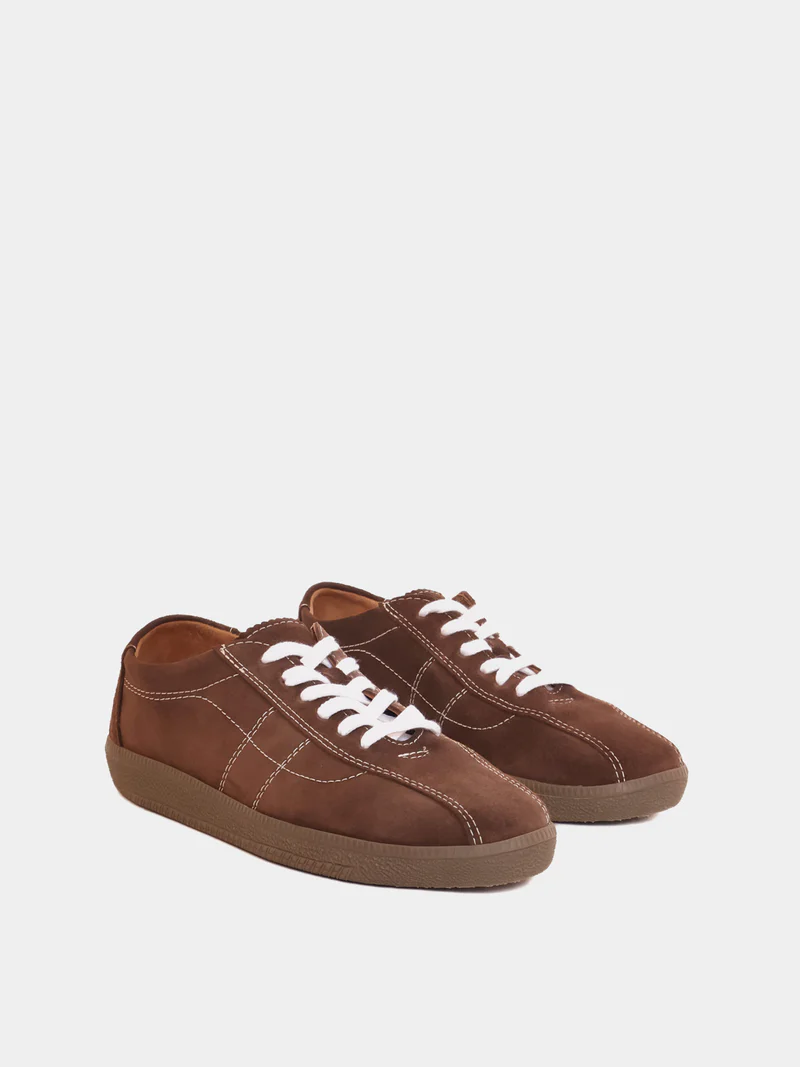
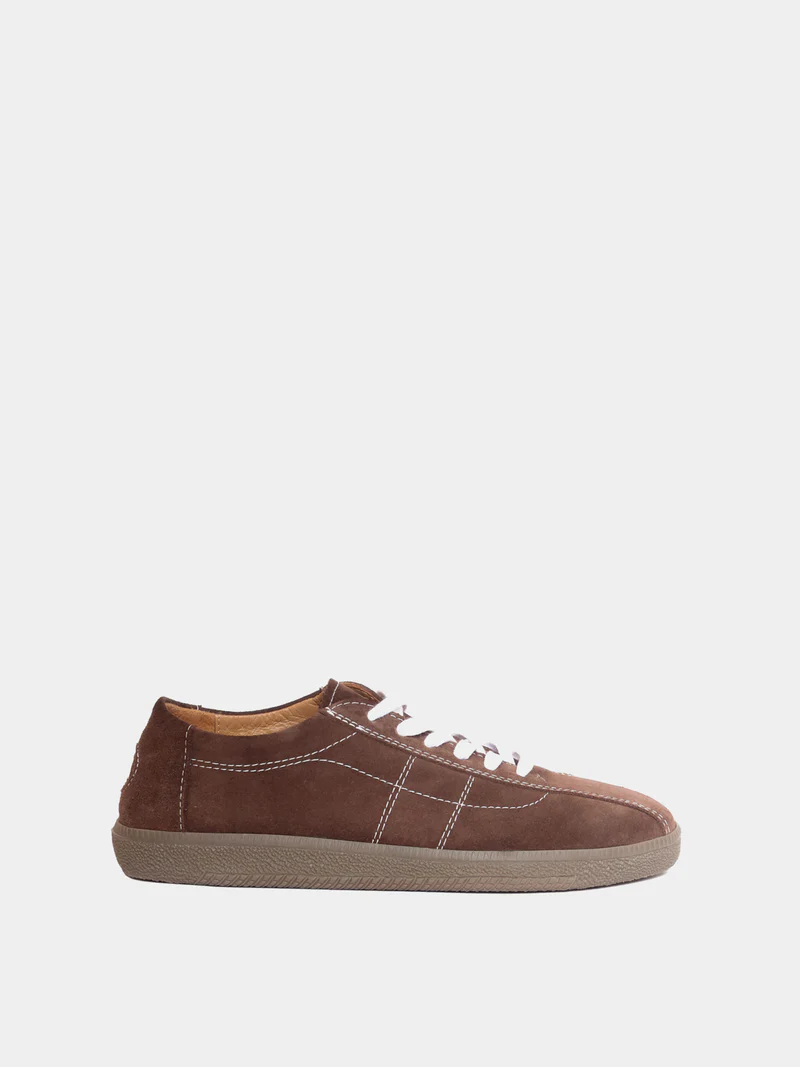
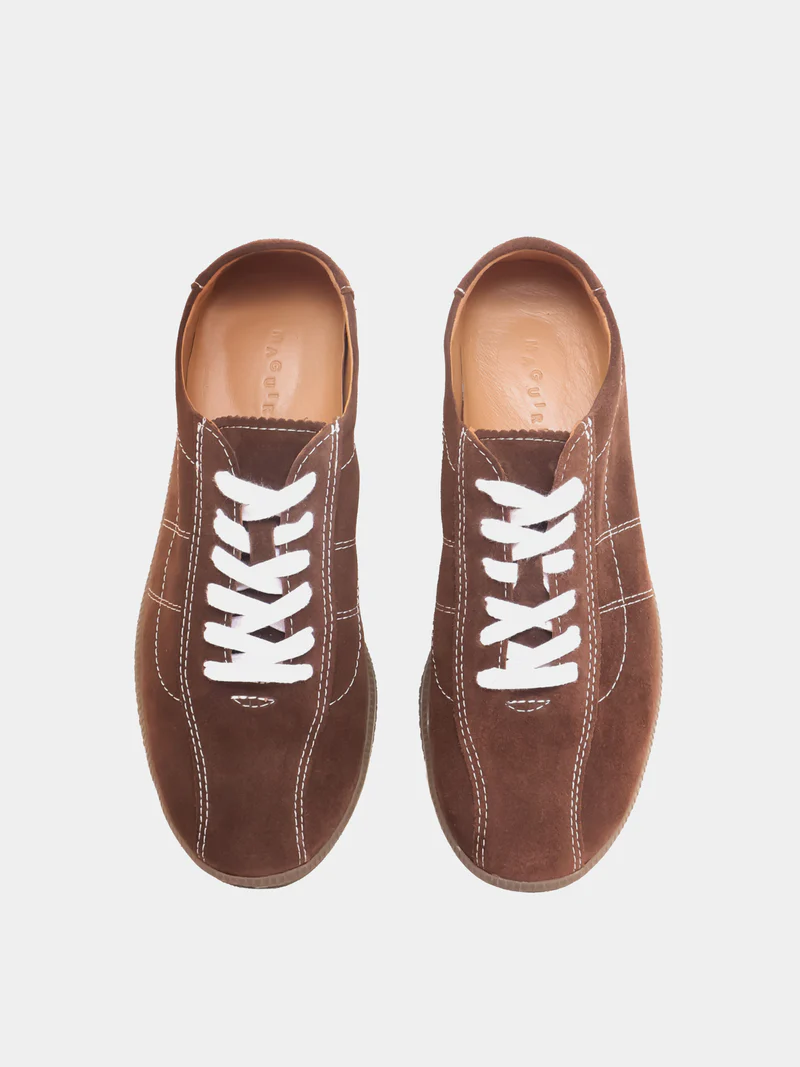
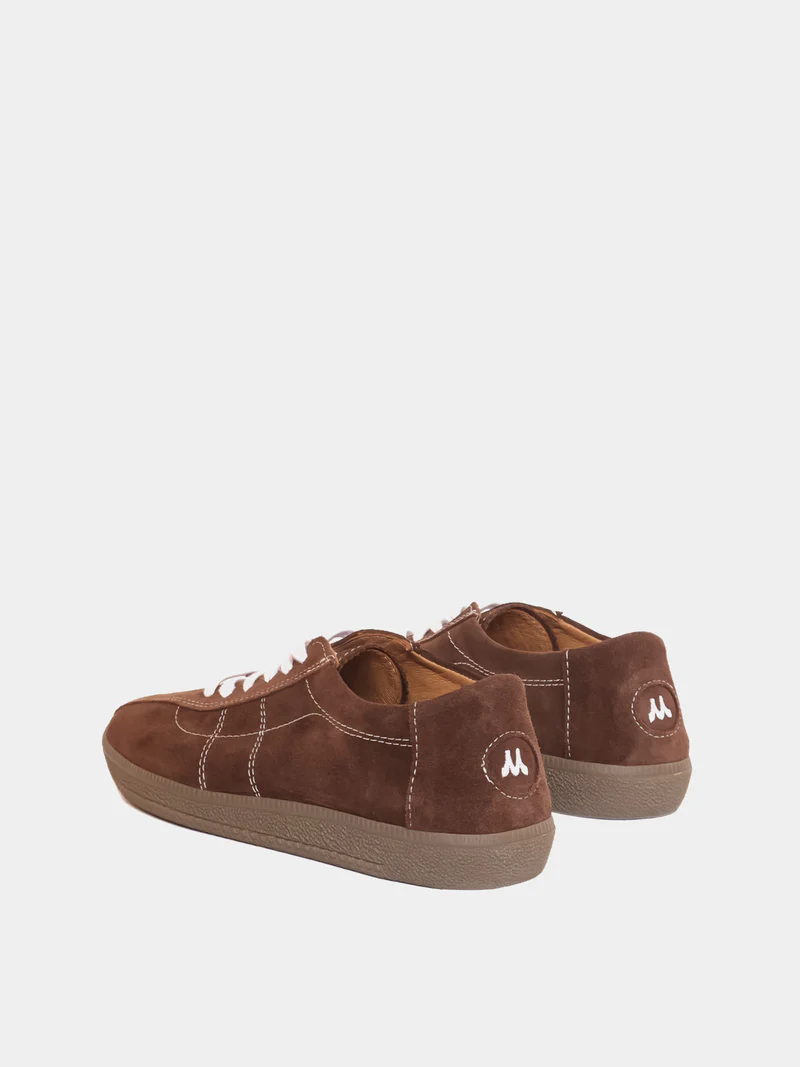
2. Generated video
3. Scene editor preview
Illustrative controls — your project opens a working editor.
Scene 1
Product introduction · 2.5s
Scene 2
Product detail · 2.5s
Scene 3
Offer · 2.5s
Scene 4
Shop Now · 2.5s
Edit text · reorder scenes · add branding · choose music
Five templates. One clear starting point.
Product Showcase
Product introduction → Product detail → Product benefit → Price → CTA
Flash Sale
Hook → Product → Original / sale price → Offer → CTA
New Arrival
Reveal → Detail → Detail → Product information → CTA
Feature Highlight
Product → Feature 1 → Feature 2 → Feature 3 → CTA
Before / After
Before → Transition → After → Benefit → CTA
Works with any store
If you have product photos, you can use the tool.
These examples describe where you sell. You upload photos yourself; a store integration is optional.
Ready for TikTok, Instagram Reels, Facebook, Snapchat, YouTube Shorts.
A few useful answers
Do I need Shopify or TikTok?
No. You only need product photos. Store and social connections are optional.
Can I edit the result?
Yes. Edit scene text, order and duration, branding, music, and aspect ratio.
Does it publish for me?
You export an MP4, download it and publish manually on your preferred platform.
What can I upload?
Use 1–8 JPG, PNG or WebP product images, up to 10 MB each.